
Screenshots

App details
- Size
- 1.89 MB
- Updated
- June 10, 2008
- Requires
- Windows XP
- Language
- English
- License
- Free
- Developer
- Download1234
- Category
- Windows OS
SoftPas in:
This product is also available in the following languages:
About LaserHairRemoval
Download LaserHairRemoval – Complete Laser Hair Removal Reference Library
Overview
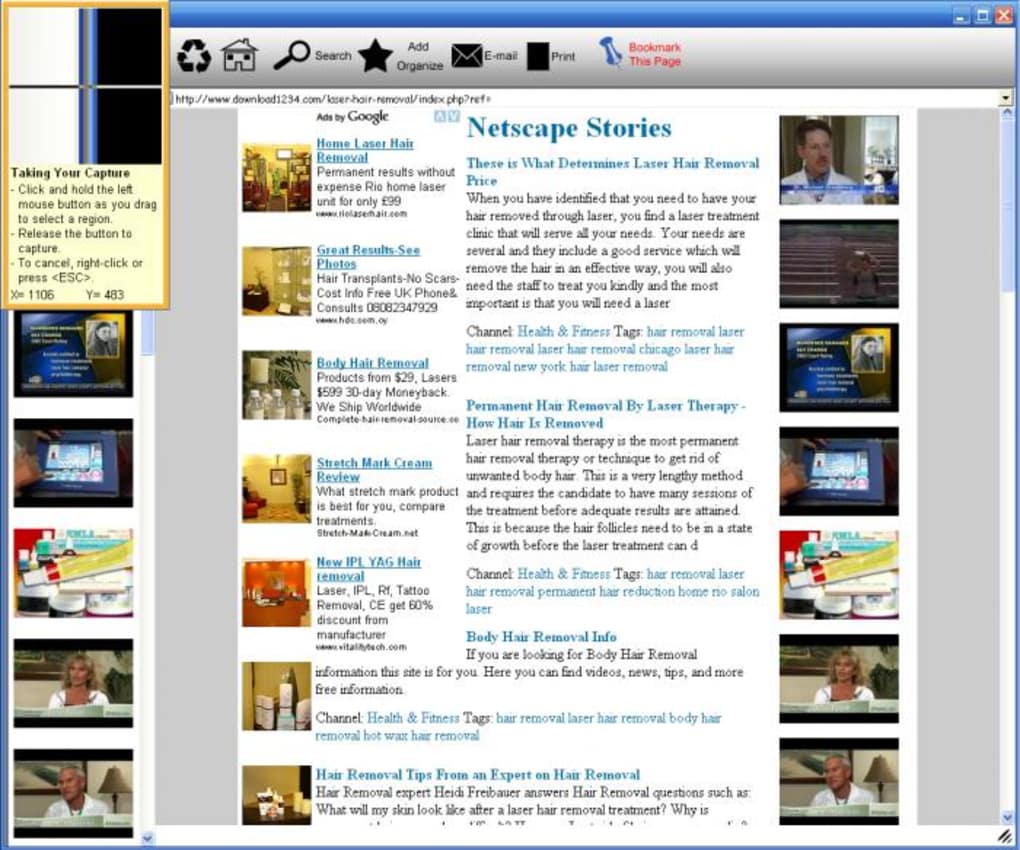
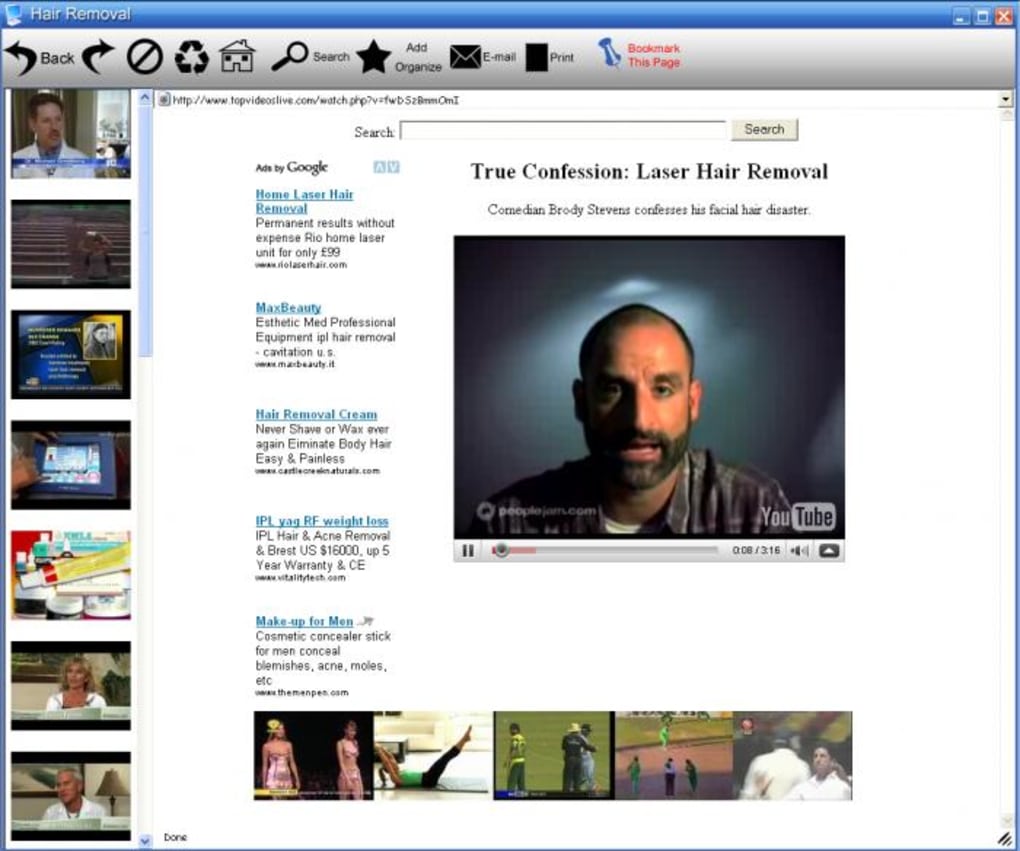
LaserHairRemoval is positioned as a “complete” reference library for anyone interested in laser hair removal technology. While the name suggests a hands‑on tool that might actually remove hair, the app is strictly informational. It aggregates articles, videos, user experiences, and links to the latest research on laser hair removal, offering a single place to read about pros, cons, safety considerations, and emerging trends. In practice, the content mirrors what you could find by Googling “laser hair removal” or browsing YouTube tutorials, but it does so within a downloadable desktop or mobile interface. The library includes some exclusive interviews with dermatologists, a handful of video demonstrations (though a few are no longer available), and a curated list of forums where users share real‑world outcomes. If you’re contemplating a laser treatment, LaserHairRemoval can serve as a pre‑consultation reading list, helping you ask better questions during your doctor’s appointment. However, the app suffers from inconsistent organization, occasional broken links, and a lack of original research, which means it feels more like a scrapbook than a polished knowledge base. Despite these shortcomings, the collection does contain nuggets of valuable insight—particularly the “Myths vs. Facts” section, which debunks common misconceptions about laser safety and efficacy. Overall, LaserHairRemoval is a free, cross‑platform resource that can save you time scrolling through unrelated forums, but it should be used as a supplement to professional medical advice rather than a definitive guide.
Key Features & Content Quality
- Extensive article library covering laser types (Alexandrite, Diode, Nd:YAG, IPL).
- Video tutorials and demonstrations from licensed dermatologists.
- Pros & cons matrix for each laser technology.
- Curated links to the latest peer‑reviewed studies and clinical trials.
- User‑generated experience logs with before‑and‑after photos.
- Myths vs. Facts interactive quiz.
- Exportable PDF summaries for offline reading.
- Search function with filters for skin tone, hair color, and treatment area.
The feature set aims to make the research phase of laser hair removal as painless as the treatment itself. Articles are organized by laser type, then further broken down into safety, cost, and efficacy sections. The video component is arguably the most engaging part of the app; short clips demonstrate device settings, pain management techniques, and post‑treatment care. Unfortunately, some videos are flagged as unavailable on the host platform, leading to dead ends that frustrate users. The pros & cons matrix provides a quick reference but is sometimes overly simplistic, reducing nuanced clinical data to binary check‑boxes.
One of the stronger aspects is the inclusion of user experience logs. Real patients share their treatment timelines, pain levels, and long‑term results, offering a community perspective that academic papers often miss. These logs are searchable, allowing prospective users to filter experiences by skin type (Fitzpatrick I‑VI) or geographic region. However, the logs lack verification, so the information should be taken with a grain of salt.
The “Myths vs. Facts” quiz adds an interactive learning layer, reinforcing correct information through immediate feedback. While the quiz questions are well‑crafted, the feedback explanations are brief and could benefit from citations to scientific literature. Overall, the feature list is robust, but execution varies; the app shines when it consolidates trustworthy sources, yet it stumbles when content is outdated or poorly linked.
Installation, Usage & Compatibility
LaserHairRemoval is distributed as a lightweight installer for Windows (7 and newer), macOS (10.13+), Android (6.0+), and iOS (13+). The download package is under 50 MB, making it quick to obtain even on slower connections. After downloading the installer from the official website, the user is guided through a standard setup wizard that asks for a preferred installation directory and whether to create a desktop shortcut. On mobile platforms, the app is listed in the Google Play Store and Apple App Store, where the installation follows the usual app‑store flow.
Once installed, the first launch triggers a brief onboarding tour. The tour walks users through the main navigation pane: Library, Videos, User Stories, Quiz, and Settings. The Library tab is the default view, presenting a categorized list of articles. Users can use the top‑right search bar to locate specific topics; the search algorithm respects filters for skin tone, hair color, and device type, which are set in the Settings menu. The Settings page also allows users to toggle notifications for new content releases and to select a preferred language (English, Spanish, French). Content updates are delivered via an automatic background sync that checks the server every 24 hours; this ensures the library stays relatively current, though manual refresh is also available.
From a compatibility perspective, the app leverages native UI components on each platform, delivering a consistent experience across devices. On Windows and macOS, the interface uses a resizable window with dark‑mode support. Android and iOS versions adopt material design and iOS Human Interface Guidelines respectively, providing smooth scrolling and touch‑friendly controls. The only notable limitation is that the Windows version does not support ARM‑based devices (e.g., Surface Pro X), and the macOS version requires a minimum of 2 GB RAM to run efficiently. Battery consumption on mobile is modest; the app primarily reads static content, so power draw is negligible compared to video playback, which can be intensive for older devices.
Overall, the installation process is straightforward, and the cross‑platform nature makes LaserHairRemoval accessible to a broad audience. The app’s resource footprint is low, and it works well on both desktop and mobile environments, though users with very old hardware may experience occasional lag when loading high‑resolution videos.
Pros, Cons & Frequently Asked Questions
Pros
- Free to download and use, with no hidden subscription fees.
- Comprehensive collection of articles, videos, and user experiences in one place.
- Cross‑platform support (Windows, macOS, Android, iOS) ensures accessibility.
- Search and filter options allow quick retrieval of relevant information.
- Interactive quiz helps reinforce accurate knowledge about laser safety.
Cons
- Content organization is inconsistent; some sections feel disjointed.
- Several embedded videos are no longer available, leading to dead links.
- User‑generated logs lack verification, which may affect reliability.
- Limited advanced analytics; no in‑depth comparison charts or cost calculators.
- Windows version does not support ARM‑based devices.
Frequently Asked Questions
Is LaserHairRemoval a tool that actually removes hair?
No. The application is purely informational. It does not contain any laser hardware or functionality to perform hair removal.
Can I use the app offline?
Yes. After the initial download, you can export articles and PDFs for offline reading, but videos require an internet connection to stream.
How often is the content updated?
The library syncs automatically every 24 hours. Major updates, such as new clinical studies, are added roughly once a month.
Is there a premium version with more features?
Currently the app is completely free. The developer has indicated that a paid “Pro” tier may be considered in the future, but none exists at this time.
Will the app help me choose the right laser device for my skin type?
It provides general guidance and a pros/cons matrix for each laser type, but it does not replace a professional consultation with a dermatologist or certified technician.
Overall Review: LaserHairRemoval offers a solid starting point for research but falls short in content curation and reliability. Its free price tag and multi‑platform availability are strong points, yet the inconsistent organization and occasional dead links detract from the user experience. For anyone serious about undergoing laser treatment, use this app as a supplementary resource, not a definitive guide.
Conclusion & Call to Action
LaserHairRemoval succeeds in aggregating a broad spectrum of laser hair removal information into a single, free application that works on Windows, macOS, Android, and iOS. The inclusion of articles, videos, user stories, and an interactive quiz makes the app a convenient research hub for prospective patients. However, the platform’s biggest challenges lie in its inconsistent content structure, occasional broken media links, and the unverified nature of user‑generated logs. These issues mean that while the app can save you time gathering baseline knowledge, it should never replace a thorough consultation with a qualified dermatologist or certified laser technician.
If you are in the early stages of deciding whether laser hair removal is right for you, downloading LaserHairRemoval can give you a quick overview of the technologies, safety considerations, and real‑world experiences. Just remember to cross‑reference the information with reputable medical sources and to ask targeted questions during your professional appointment.
Ready to start your research journey? Click here to download LaserHairRemoval now and access the most comprehensive free library of laser hair removal knowledge available today. Stay informed, stay safe, and make your laser treatment decision with confidence.
Guides & Tutorials
How to install LaserHairRemoval
- Click the Download button above.
- Once redirected, accept the terms and click Install.
- Wait for the LaserHairRemoval download to finish on your device.
How to use LaserHairRemoval
This software is primarily used for its core features described above. Open the app after installation to explore its capabilities.
User Reviews
No reviews yet. Be the first to share your experience.
You may also like
more
Llama 2
Free-to-use large language model As the new addition to Meta’s arsenal of langua...

NotebookLM
Revolutionizing the note-taking and idea-generation process NotebookLM is an exp...

Github co pilot
AI-inspired software development and coding platform GitHub Copilot is a browser...

Google Gemma
Google’s lightweight AI models Introducing Google Gemma , a family of cutting-ed...

AI Image Enlarger
A free app for Windows, by ai-image-larger. AI Image Enlarger is a free software...

DALL E
AI-driven text-to-image transformation engine DALL·E is a free graphic and desig...